PlayStation ignores the disc: the lid detect switch
Symptom Console sits at the menu, disc never spins, and pressing down on the lid sometimes makes it work.
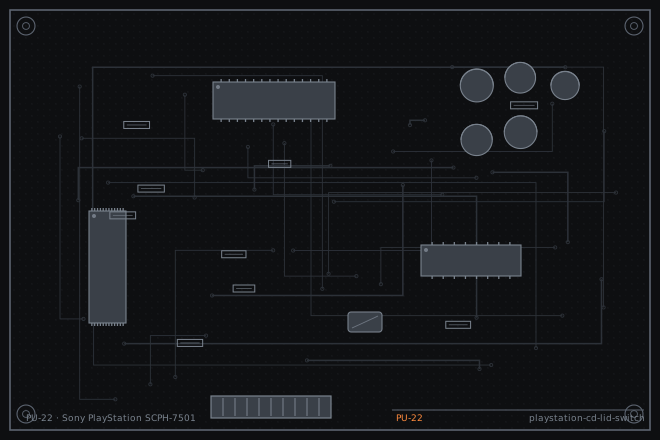
The lid switch tells the console the disc is loaded and it is the cheapest thing to check on any PlayStation that will not spin a disc. It fails for two reasons: the contacts oxidise, or the plastic lever that presses it snaps. Both are visible with the lid off.
A switch fault that looks like a dead drive
When the lid switch is open, the console behaves exactly as it does with the lid up: it will not spin the disc and it stays on the menu, often showing the browser screen indefinitely. Owners describe it as the console not reading discs at all.
The tell is that pressing down on the closed lid, or placing a weight on it, makes it work. That behaviour is a mechanical fault in the switch or its lever, not an optical fault, and it is worth checking before you take the drive out.
Testing the switch in place
The switch is reachable with the top shell off. Measure continuity across it with the lid closed and the mechanism pressing on it. Closed should read under 1 ohm; open should read infinite.
Also look at the lever. On a PU-22 the switch is actuated by a small plastic tab on the lid mechanism, and that tab is the part that breaks. A broken tab means the switch never gets pressed, no matter how good the switch itself is.
- Remove the top shell and locate the lid switch near the front edge of the drive.
- Measure continuity across the switch with the lid closed. Expect under 1 ohm.
- Open and close the lid slowly while watching the meter to see whether the switch actuates through the whole range.
- Inspect the plastic tab on the lid mechanism that presses the switch. Look for a crack or a missing corner.
- Check the switch for free movement by hand. A sticky switch that does not spring back will not close reliably.
Cleaning, bending or replacing
Clean the switch contacts with a small amount of fader contact cleaner and work it twenty times. If the switch feels sticky, this alone often restores it.
If the lever tab has broken, replace the lid mechanism or build the tab back up with a small amount of two-part epoxy filed to shape. Epoxy works well here because the tab only has to transmit a light spring force, but it must be shaped so that it does not press the switch permanently.
As a last resort on a console that is otherwise fine, the switch can be bridged permanently, but that lets the drive run with the lid open. Do that only with the owner's explicit agreement, and never on a console that will be used by children.
- Clean the switch with fader contact cleaner and exercise it twenty times.
- For a broken tab, repair with two-part epoxy and file it to the original shape.
- If the switch itself has failed, desolder it and fit a replacement micro switch of the same size.
- Verify continuity across the switch through the full lid travel before reassembling.
- Test with a disc and confirm the console reads it without any pressure on the lid.
- Confirm the drive stops when the lid is opened, which is what the switch is there to do.
Fault tree branches
where this symptom also leadsIf: The switch tests good but the disc still does not spin
The spindle motor or its drive circuit is next. Check the motor windings.
PlayStation disc spins and stops: spindle height, clamp and motorIf: The disc spins but the console reports no disc
The mechanics are fine and the fault is optical.
PlayStation disc read errors: cleaning the lens before touching the potIf: The console spins the disc with the lid open
Someone has bridged the switch. Restore it, since it is a laser safety interlock as well as a detect switch.
Famicom Disk System: error 27, a stretched belt and a dirty drive spindle